

Loading...
2 min read
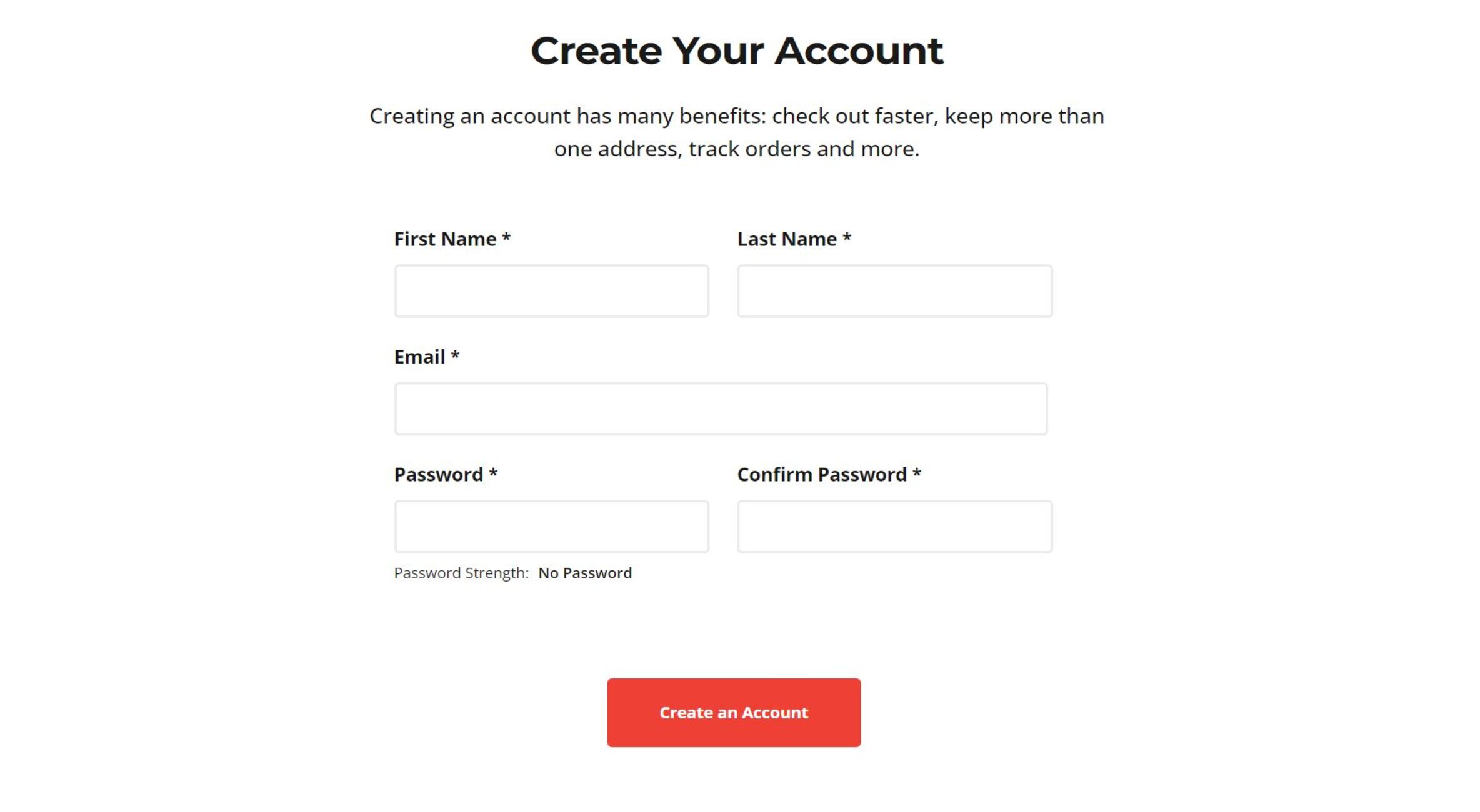
After filling in the above information, you should be redirected to a new page.
Before proceeding, please go to your email address and confirm your email. Check your spam folder as well.
Once your email address is confirmed, fill in the below information.

Once this is completed, we will review your profile for approval. Thank you for your support!


